
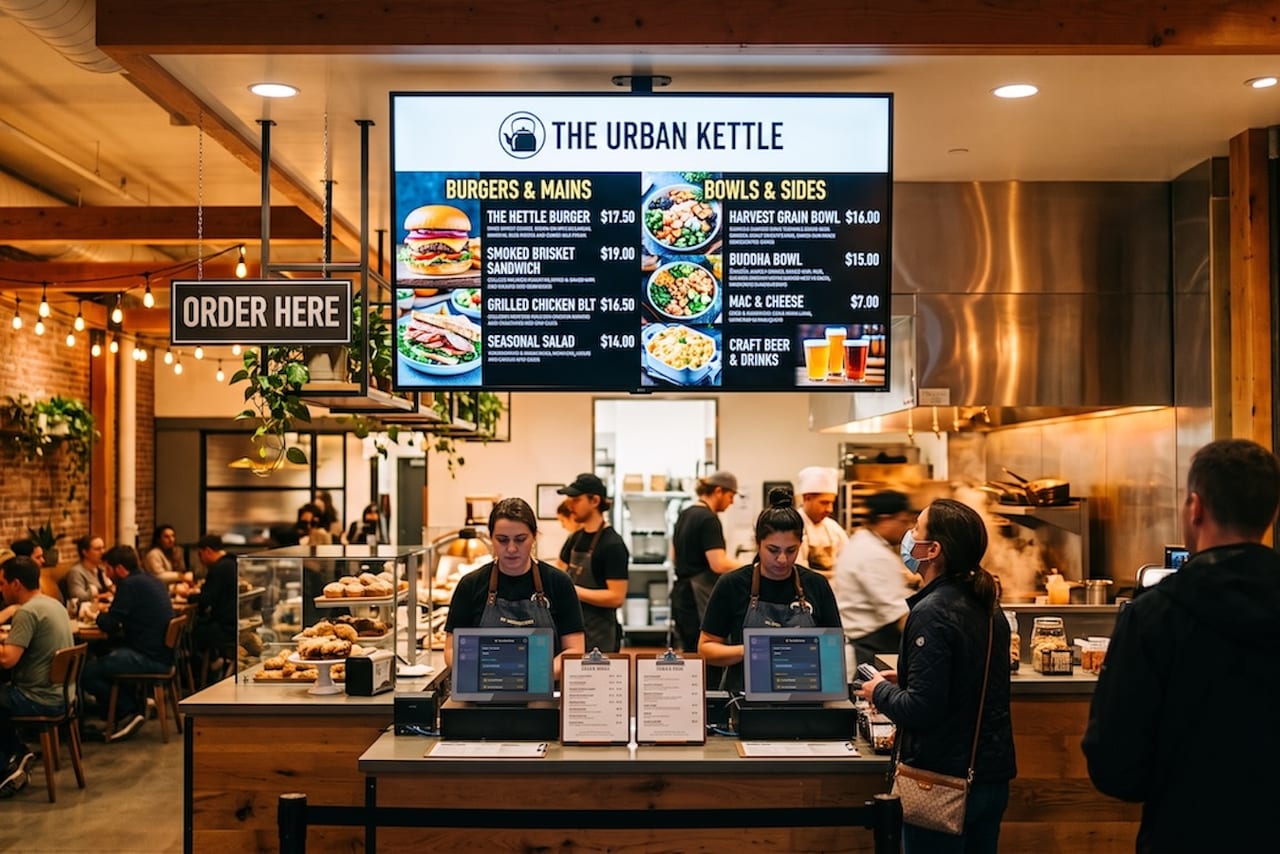
Priced From Your Live Menu
Boards read your actual menu, so a price change is a one-place change. The screen is never the last thing to find out — and it never disagrees with the POS in front of the guest.
Runs on Screens You Already Have
Any TV or screen with an HDMI input can be a menu board. An NX Media Controller drives it and keeps it tied to your live menu, so there is no second system to learn.
Dayparts Itself
Give a board a schedule and it manages its own shift. Breakfast hands off to lunch, a happy-hour board appears at 4 PM and leaves at 6, and anything outside its window drops out of the rotation on its own.
From Blank Canvas to Live on the Wall
Three steps, all of them in the NX Portal
A Menu Board is a designed display made up of one or more pages, and each page is a canvas you lay out with menu content and design elements. Build it, tell it when to run, and point it at a screen.
Design the board
Lay out each page on the canvas. Drop in the menu categories you want to show, set a background color or photo, and arrange it until it looks like your brand.
Set when it runs
Match the orientation to your screen, choose how long each page holds before the next one, and give the board the hours it should run. Leave the hours empty and it always shows.
Put it on a screen
Assign the board to the NX Media Controller driving that TV, check how it looks on the real screen, and set it Active.
Your Branding
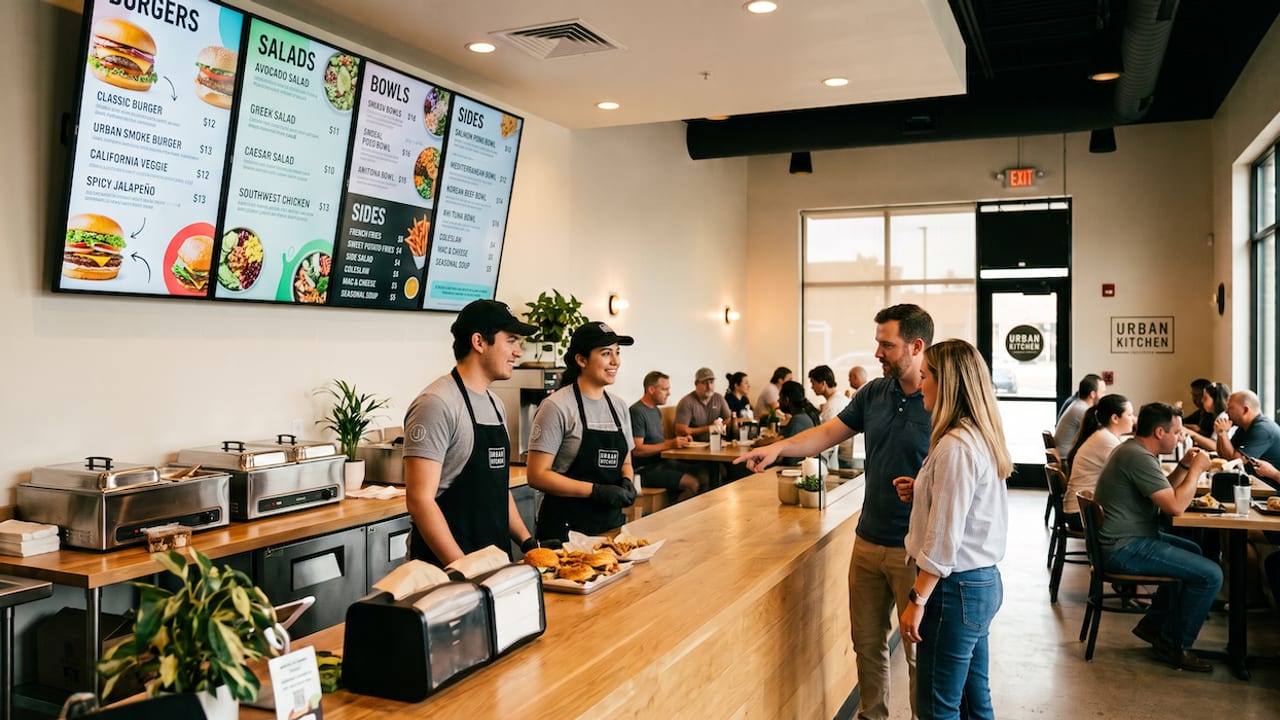
Your Menu. Your Brand. Already Built.
Your menu already lives in NX — menu boards just put it on the wall. Drop a category list onto the canvas and item names, descriptions, and prices pull straight from your live POS menu, then layer on your logo, colors, photography, and layout. Change a price once under Items and every board showing that item updates on its own.
- Pulls names, descriptions, and pricing from your live POS menu
- Full design control: your logo, brand colors, imagery, and layout on every board
- Update an item once and every screen displaying it changes automatically
Any Screen
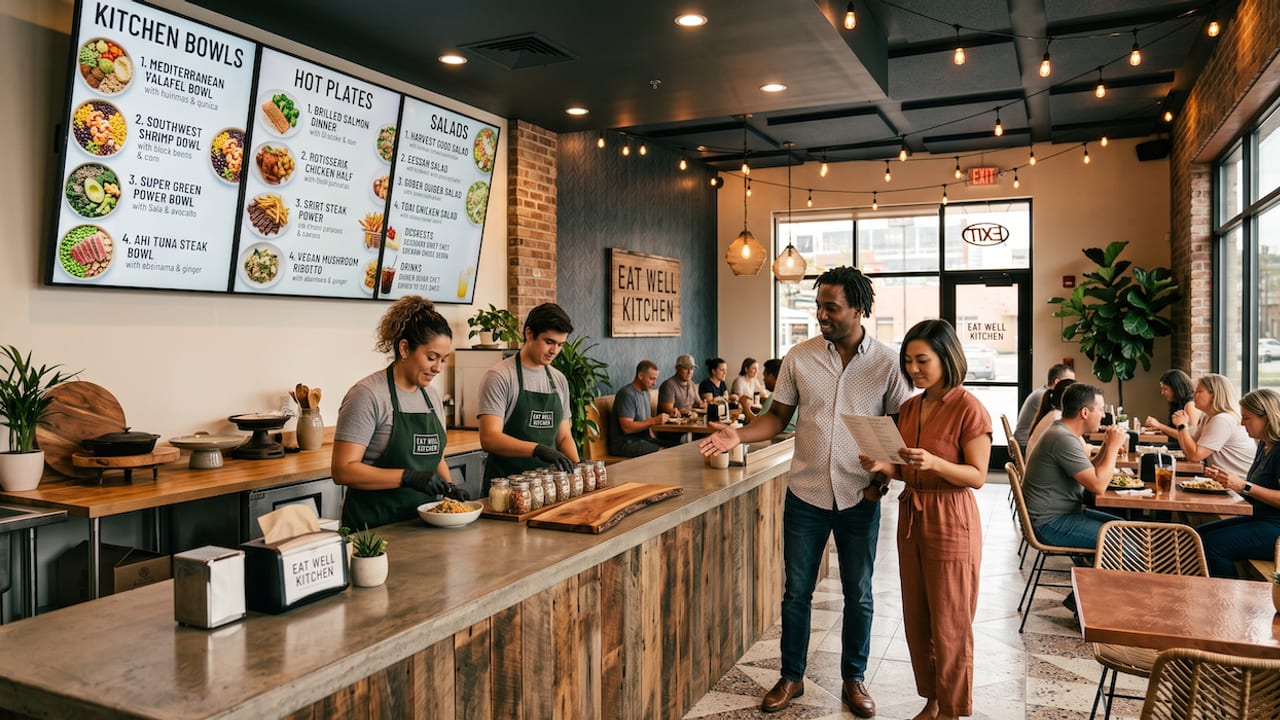
If It Has an HDMI Port, It's a Digital Menu Board.
No proprietary displays and no per-screen signage subscription. The NX Media Controller plugs into any TV or monitor with an HDMI input and turns it into a live NX menu board — hang the screen you want, where you want it, and drive it from the same system that runs your POS.
- Works with any TV or monitor with an HDMI input — landscape or portrait
- Drive multiple screens, each showing its own board or rotating page set
- Assign boards, set rotation, and schedule dayparts remotely from NX Portal